Skip Rules
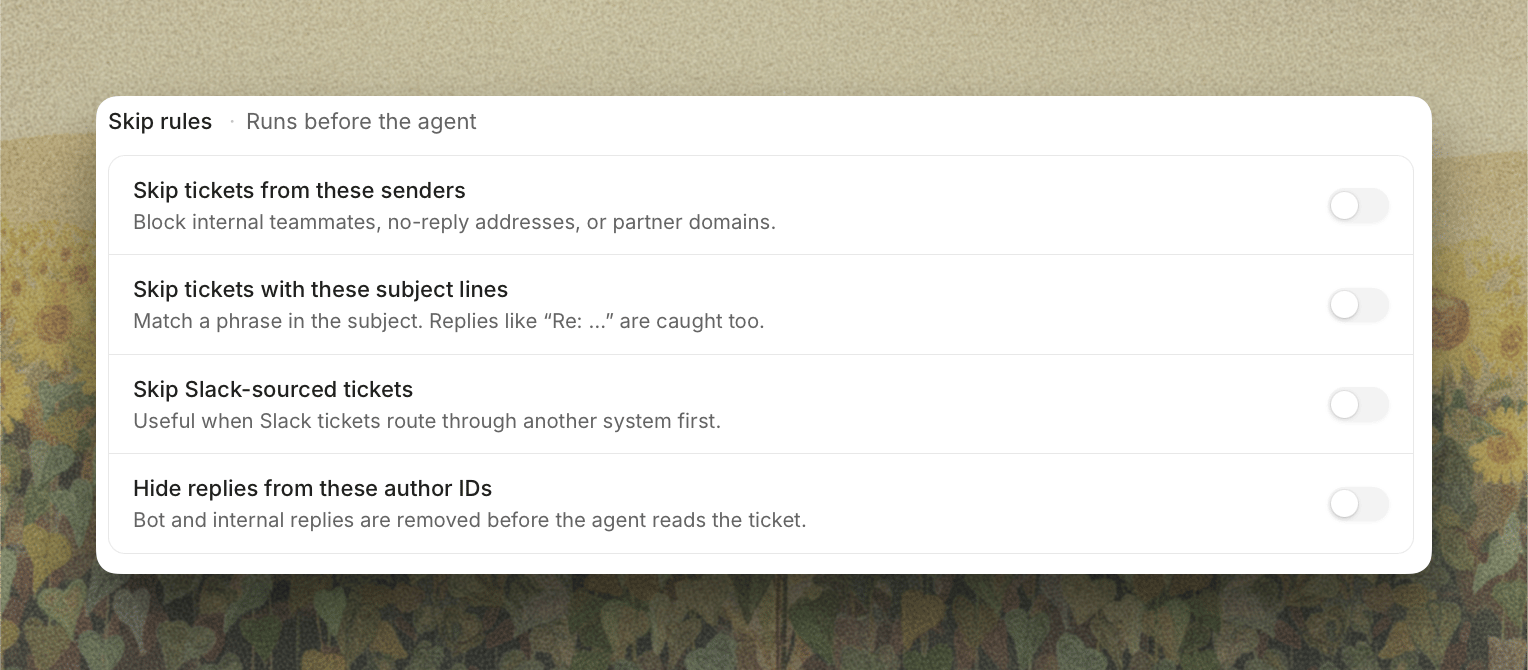
Skip rules run before the agent does, so a skipped ticket costs nothing and never gets a draft. Each rule has its own switch, so you can keep a list without applying it.- Skip tickets from these senders: an address or a whole domain. Enter
@acme.com(or justacme.com) for everything from that domain, or a full address for one person. Use it for internal teammates, no-reply addresses, and partner domains. - Skip tickets with these subject lines: matches a phrase anywhere in the subject. Paste several at once, one per line. Replies that come back as “Re: …” are caught too, so a campaign blast you want to handle by hand stays out.
- Skip Slack-sourced tickets: useful when your Slack tickets route through another system first and you’d rather the agent answered them there.
- Hide replies from these author IDs: removes individual messages, not whole tickets, before the agent reads the ticket. Paste the platform’s user ID for an automated agent or internal bot.