What It Does
- Syncs threads from Plain into Decimal as support tickets
- Writes resolutions back as comments on the original Plain thread
- Enables escalation from chat widgets to create new Plain threads
- Imports thread context including messages and customer information
Connecting Plain
- Open Integrations: Go to Settings → Integrations.
- Click Plain: Click on the Plain integration row to open the configuration modal.
- Provide your API key: Enter your Plain API key.
- Connect: Click Connect to save the configuration.
Finding Your Plain API Key
- In Plain, go to Settings > API Keys
- Create a new API key with the necessary permissions
- Copy the key and paste it into the Decimal configuration
Webhook Setup
Configure a webhook so Decimal picks up thread updates with lower latency as customers reply.-
Copy your signing secret from Plain under Settings → Request Signing.
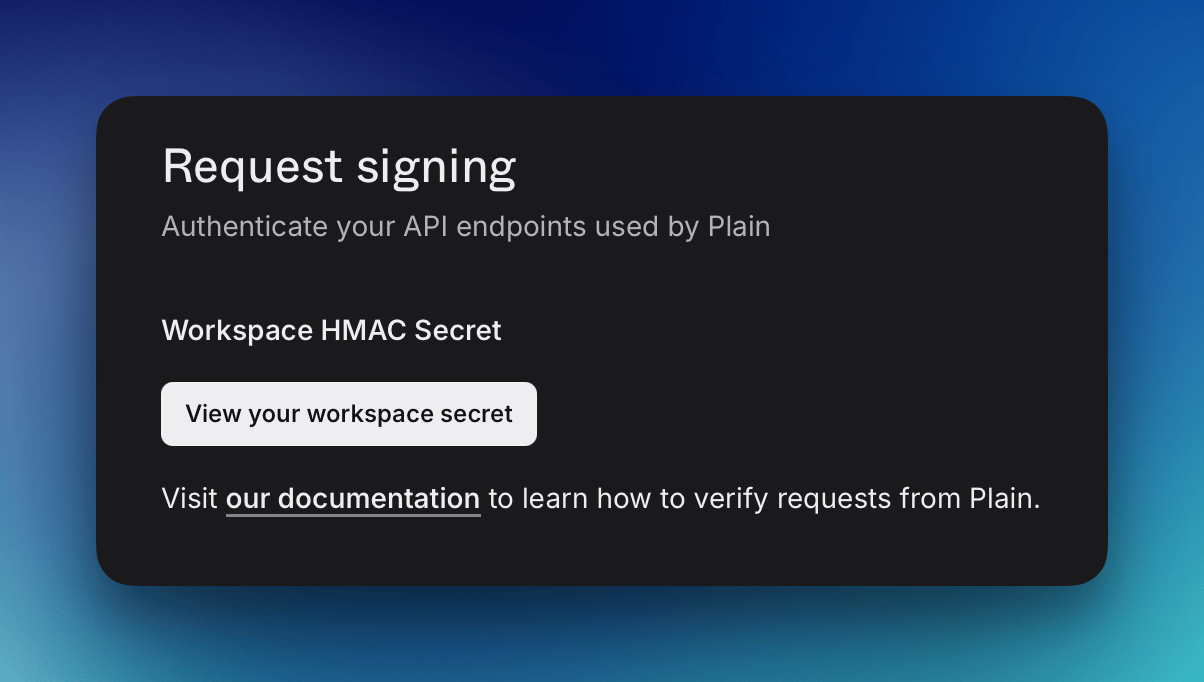
- Save the secret in Decimal: open the Plain integration, paste the secret into Webhook signing secret, and click Save webhook secret.
-
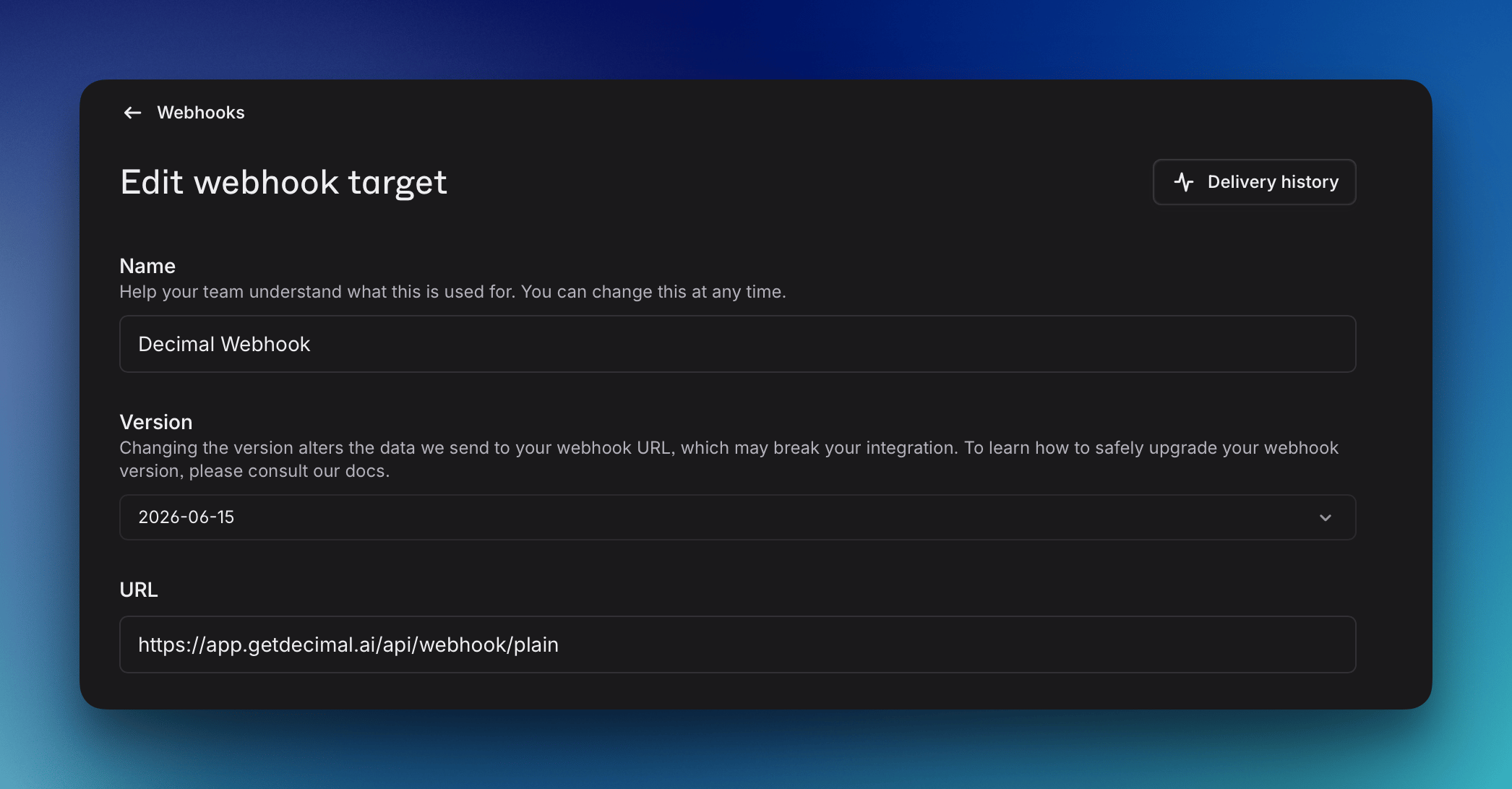
Create a webhook in Plain under Settings → Webhooks with this URL:
Subscribe it to the Thread events (
thread.*) so replies and status changes are delivered.