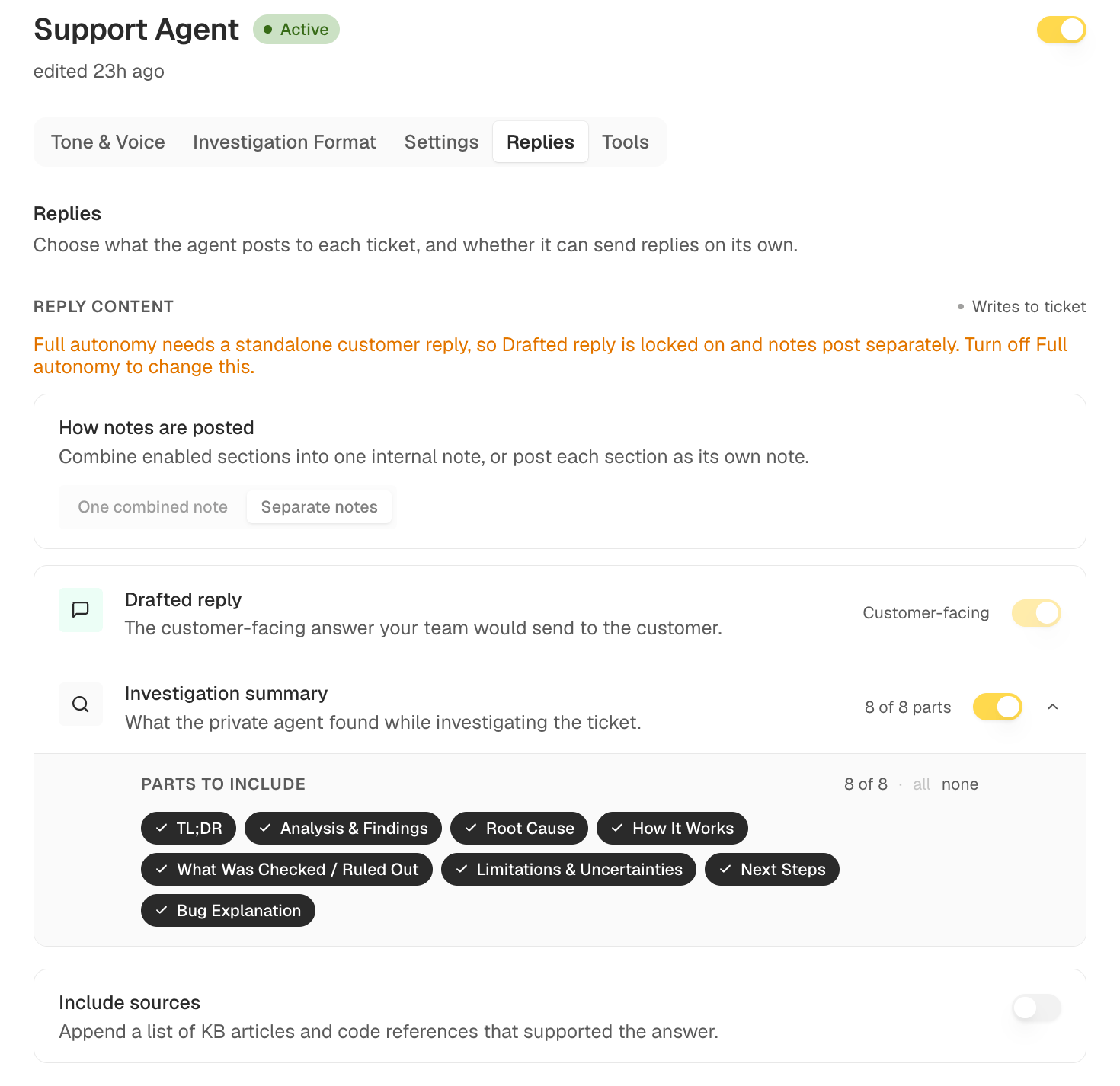
Open Agents, select Support Agent, and go to the Replies tab. Reply content is the section at the top. Reply content on the Replies tab

What the Agent Posts

The agent writes two things to a ticket, both visible in Ticket Detail:
  • Drafted reply: the customer-facing answer, written the way your team would send it.
  • Investigation summary: what the agent found while working the ticket, written for your team rather than the customer.
The drafted reply is also what gets sent when Full Autonomy is live.

Shaping the Investigation Summary

The summary follows the sections in your investigation template, which you edit on the Investigation Format tab. Change the sections there and publish, and the agent uses the published template on its next run.

Include Sources

Turn on Include sources to append the knowledge base articles and code references the agent used to reach its answer.