

What It Does
- Verifies the customer by matching the ticket’s email to a Stripe customer before touching any payment
- Looks up payments to identify the specific charge a ticket is about, by amount, currency, and date
- Issues refunds against the matched charge, either recommended for human approval or automatically within configured caps
- Cancels subscriptions at the end of the paid period or right away, under the same approval rules as refunds
- Investigates billing context for disputes, duplicate charges, and cancellations that imply a refund
Permissions Decimal Requests
Decimal connects with a Stripe restricted key. When you create the key, grant exactly these permissions and nothing more:
The last four aren’t in use yet. Grant them with the rest and you won’t have to edit the key again when promo codes ship.


Decimal only accepts restricted keys (
rk_…). Secret keys (sk_…) are rejected. A restricted key keeps access scoped to exactly the permissions above.Updating a Key You Already Connected
Adding a permission doesn’t mean creating a new key. Edit the restricted key in Stripe, open Settings → Integrations → Stripe, and click Test permissions. Decimal re-reads the key and the badges update. Keys connected before subscription cancellation shipped get re-read on their own, so a key that already carries Subscriptions: write works without anyone reconnecting.Connecting Stripe
- Create a restricted key: In your Stripe Dashboard, create a restricted key with the permissions listed above.
- Open Integrations: Go to Settings → Integrations.
- Click Stripe: Click on the Stripe integration row to open the configuration modal.
-
Paste your restricted key: Enter the
rk_…key and click Connect.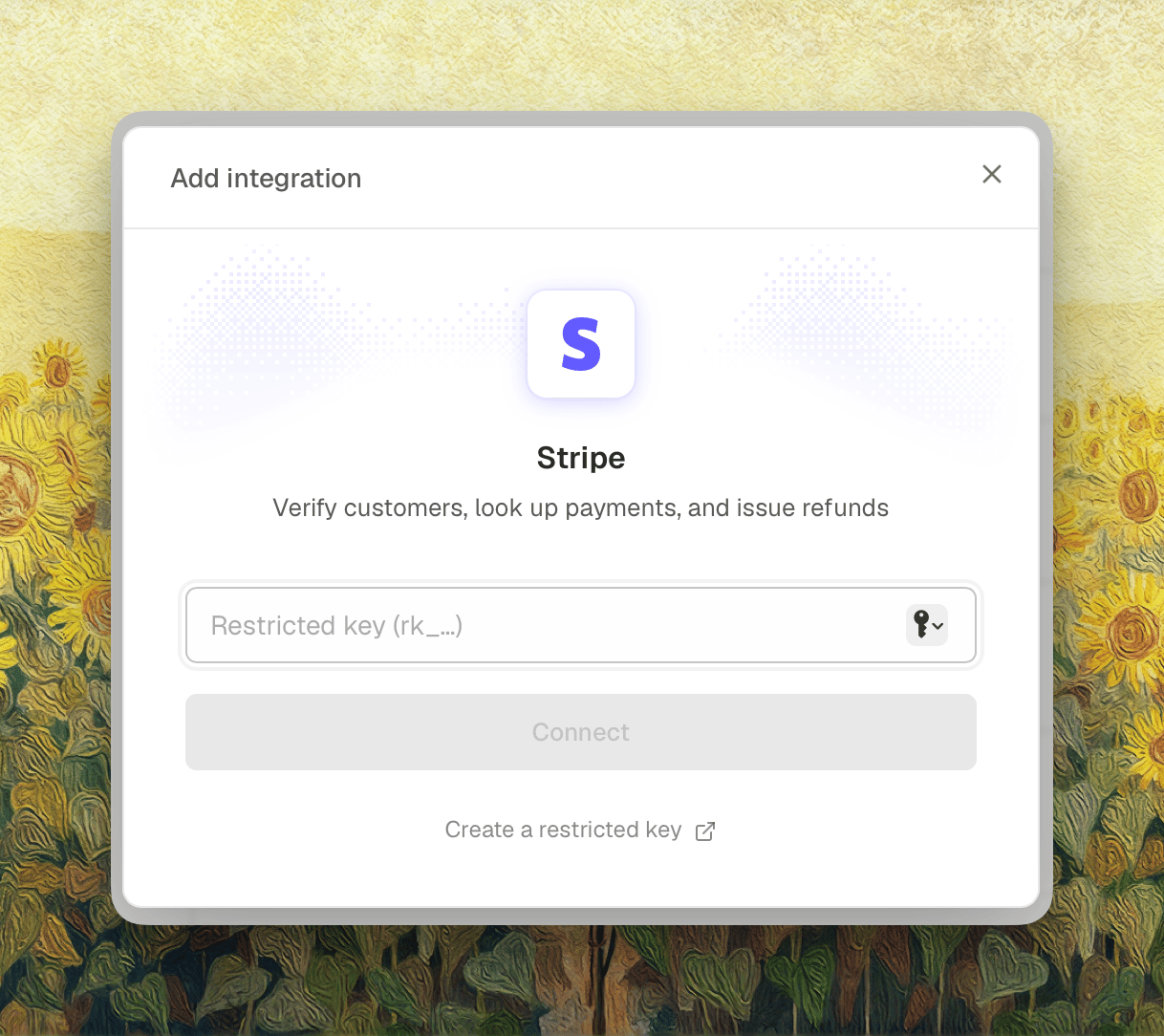
-
Test permissions: Once connected, use Test permissions to confirm the key has the access the agent needs. The badges show which scopes are present, and the two lines under them say whether the key can refund and whether it can cancel subscriptions.
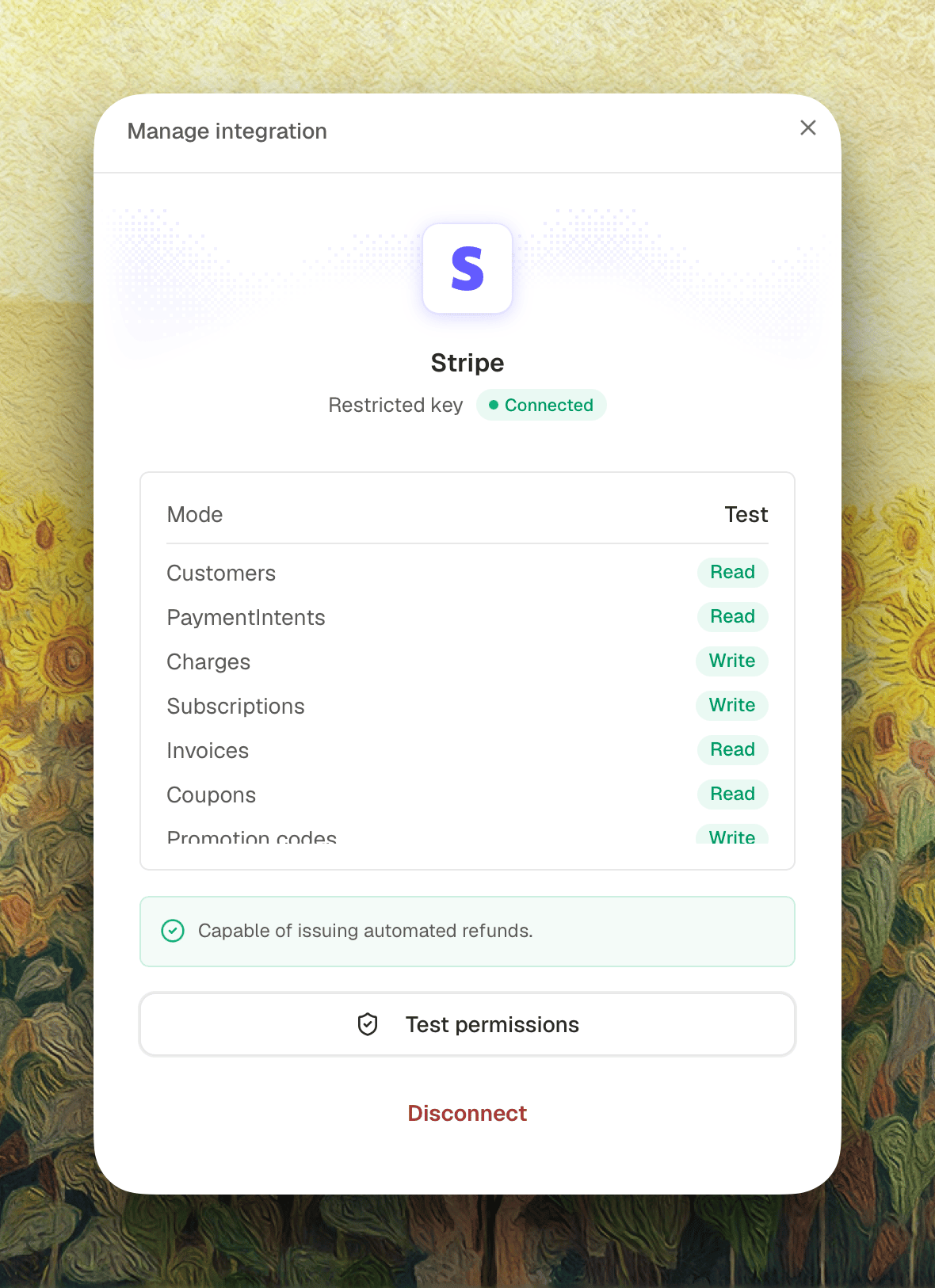
The connected mode (Test or Live) is detected from the key. A live-mode key (
rk_live_…) is required to refund real payments.Refund Controls
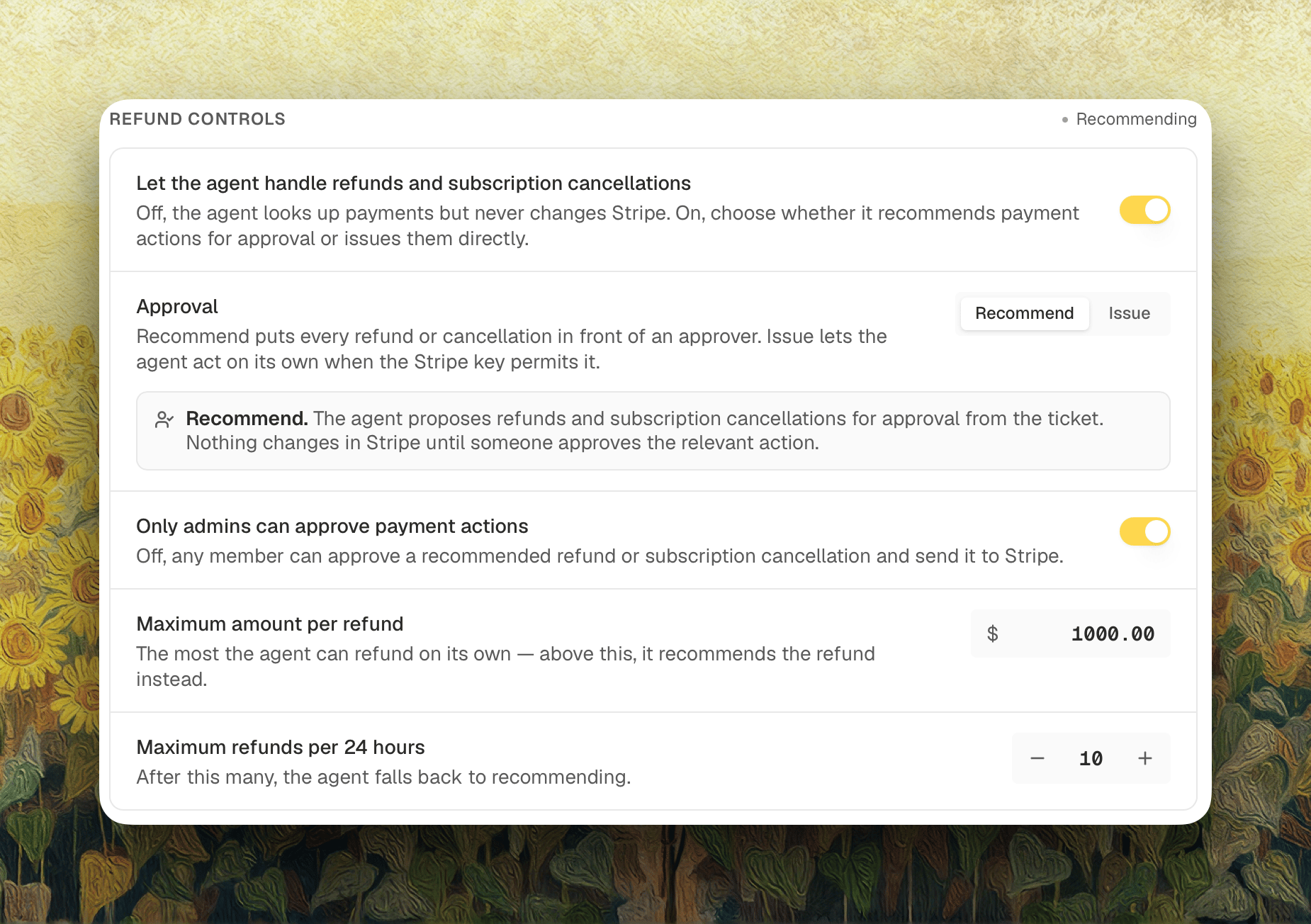
What the agent may do in Stripe is set per agent. Open Settings, select Support Agent under Agents, and go to the Actions tab. Payments appears there once Stripe is connected, and covers cancellations as well as refunds. See Actions for every setting on the card. The label beside the heading tells you where the agent stands right now: Off, Recommending, or Issuing.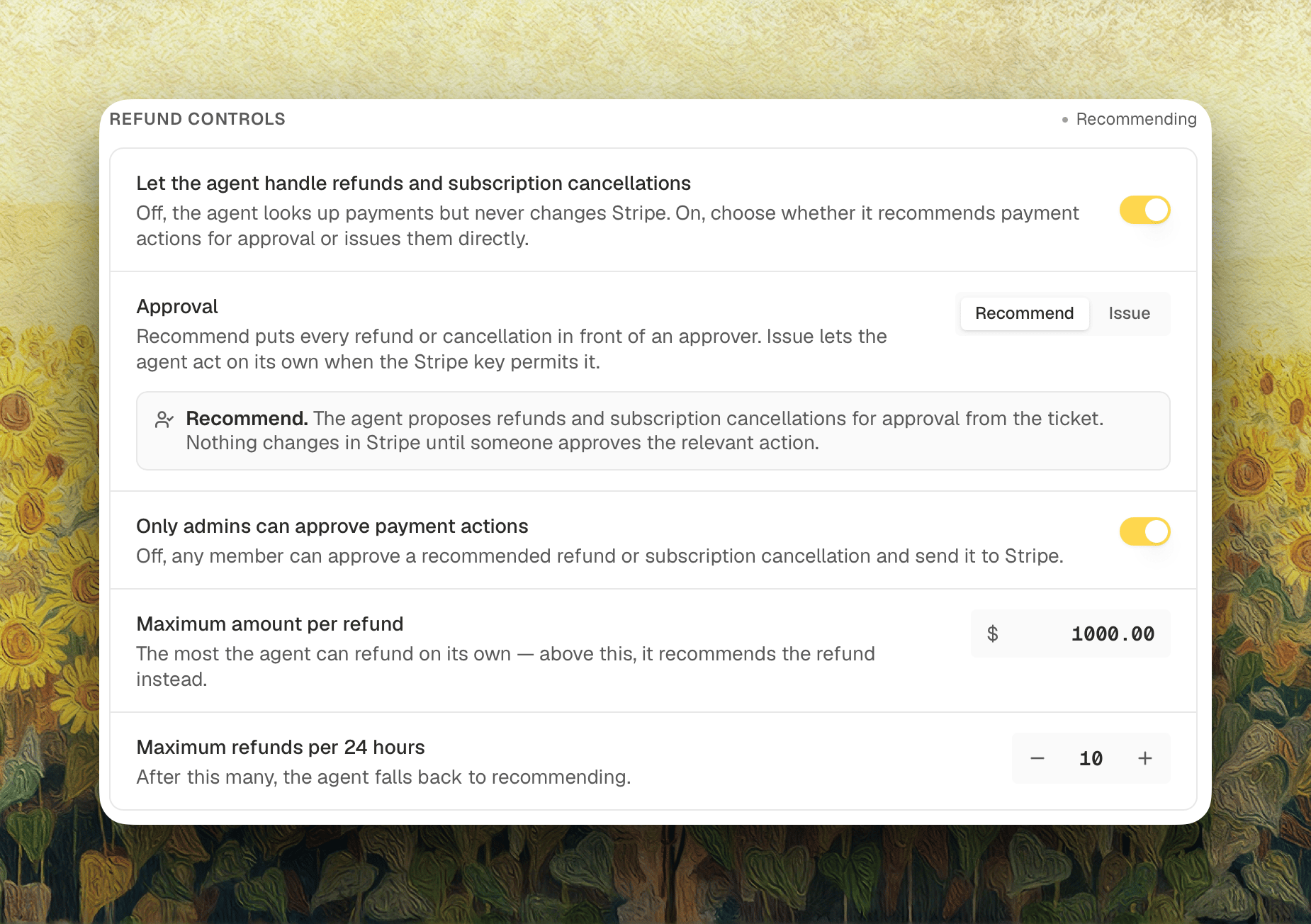
Act on payments
Off by default. While it’s off, the agent still looks up payments and answers billing questions, but it never changes anything in Stripe and never proposes a change. Turn it on to decide how refunds and cancellations get approved.Approval
- Recommend (default): the agent proposes a refund, a cancellation, or both, and a teammate approves each one from the ticket. Nothing changes in Stripe until someone clicks.
- Issue: the agent acts through Stripe on its own. A refund goes out when it fits inside both caps below, and falls back to recommending over a cap. A cancellation goes through once the agent has matched the requester to the Stripe customer on the subscription.
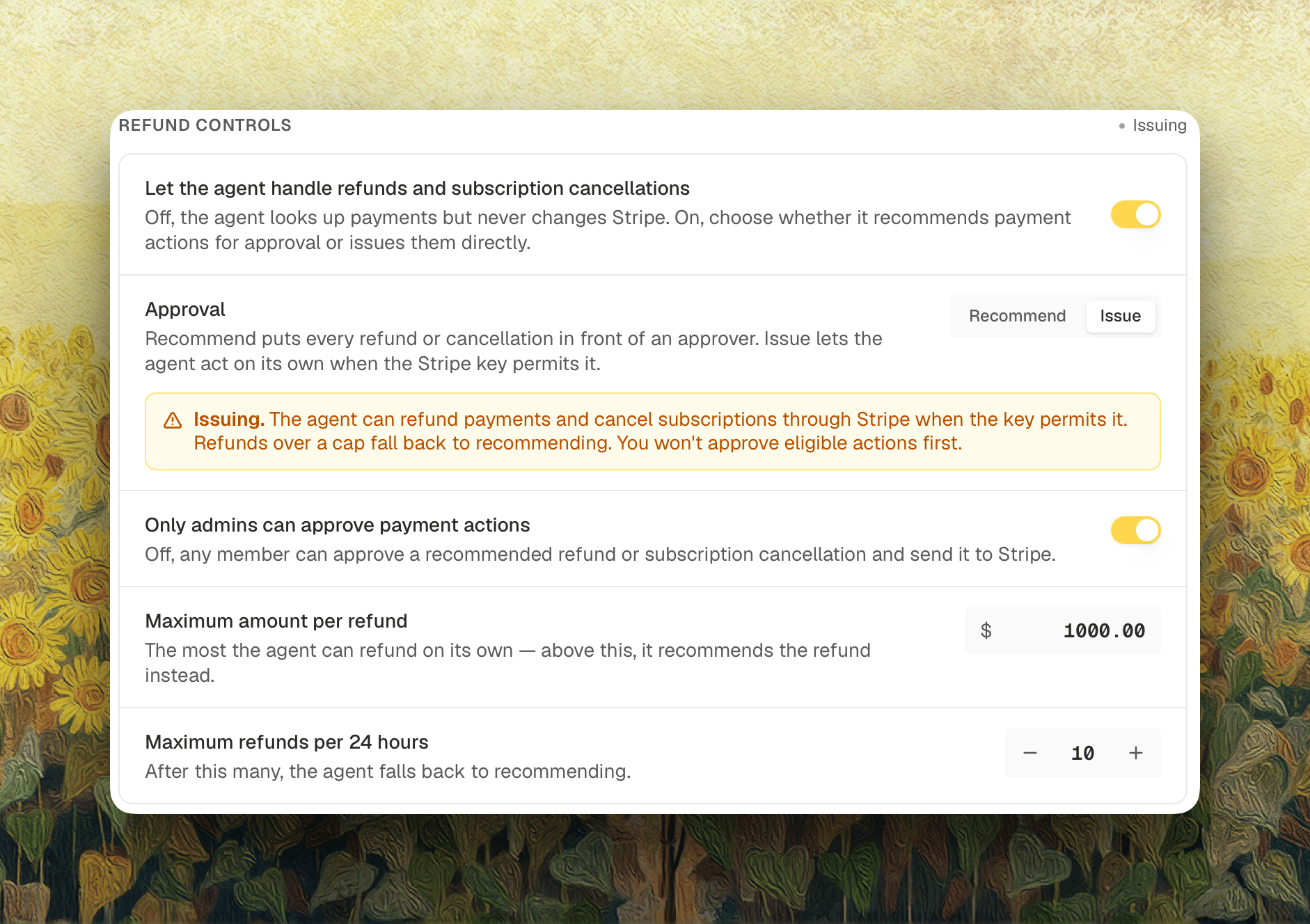
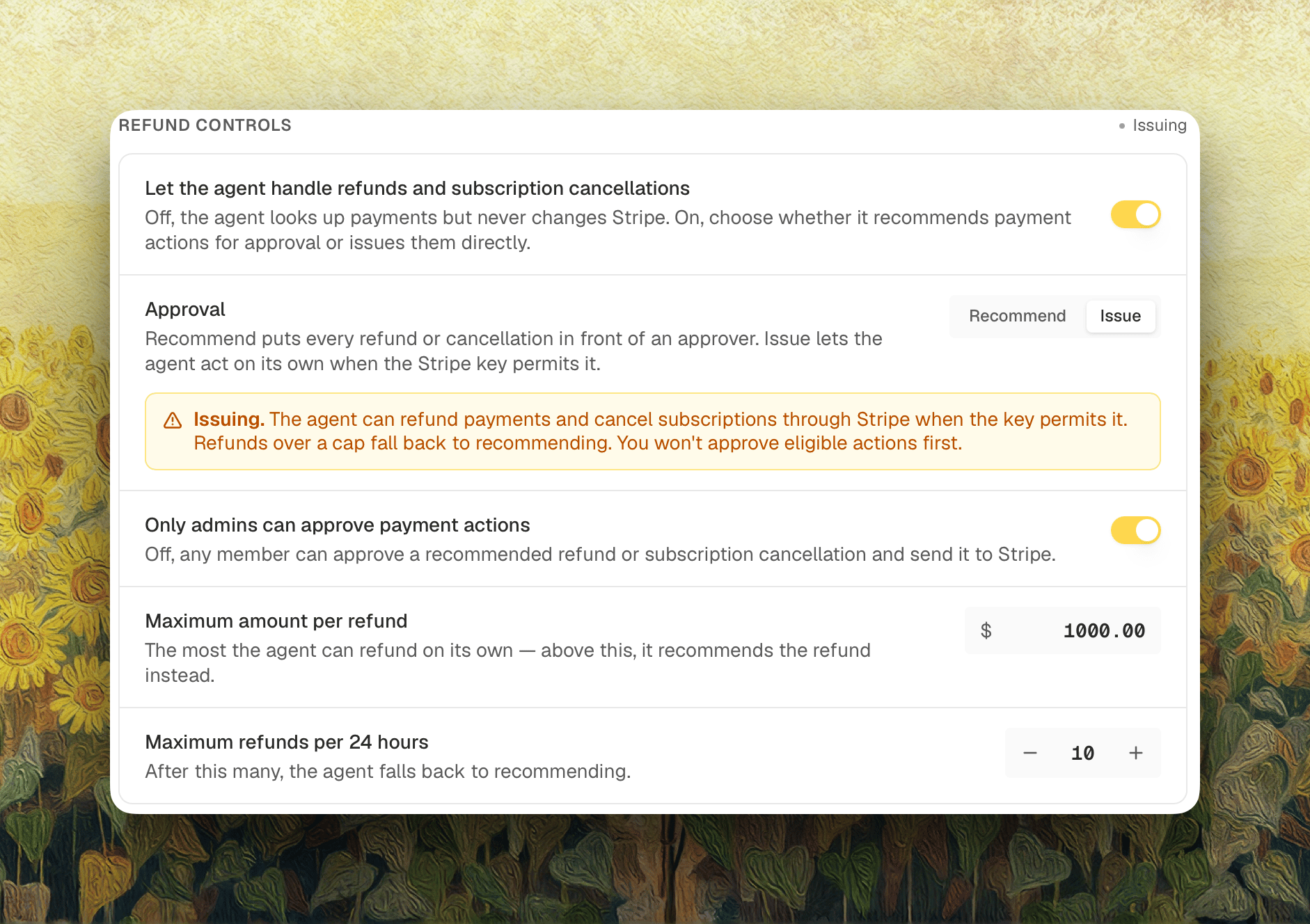
Issue needs write access for the action it’s taking: Charges for refunds, Subscriptions for cancellations. With one and not the other, the agent issues what the key allows and leaves the rest for approval. A cancellation can’t be approved either until the key has Subscriptions: write, so add the permission in Stripe and click Test permissions.
Only admins can approve payment actions
On by default: only an organization admin can approve a recommended refund or cancellation. Turn it off and any member can approve one and send it to Stripe.Caps
Both caps govern refunds the agent issues on its own. Neither limits what a person can approve from a ticket, and neither applies to a subscription cancellation.Approving a Refund
The recommendation lands on the ticket for review whenever the agent recommends instead of issuing: on Recommend, or on Issue when a refund is over a cap. Open Refund in the ticket header, confirm the amount, and approve it, and Decimal issues the refund through Stripe. Skip refund records the decision and sends nothing. Who’s allowed to approve is set by Only admins can approve payment actions. Until someone approves it, the agent tells the customer their refund is under review, never that it has already been processed.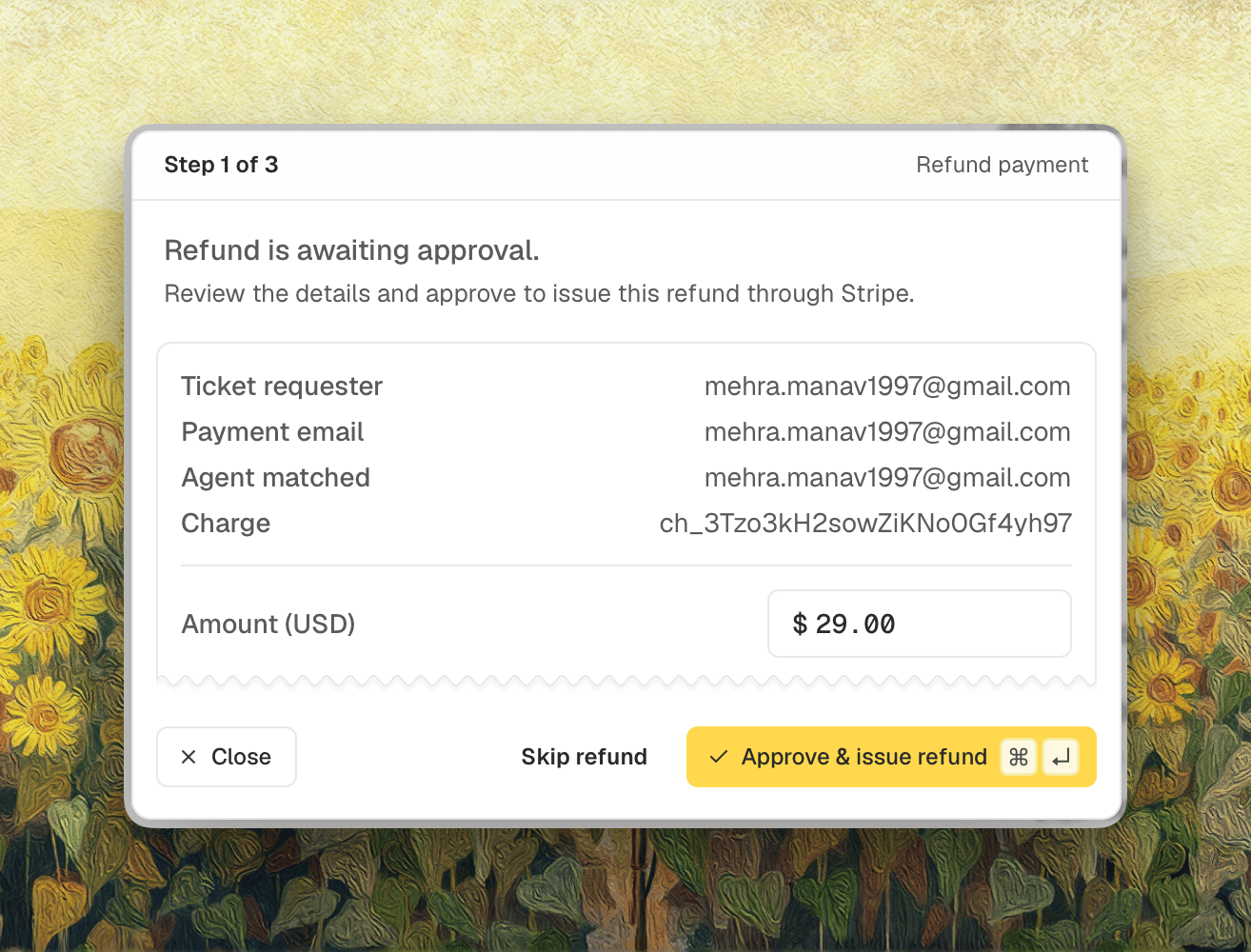
Cancelling a Subscription
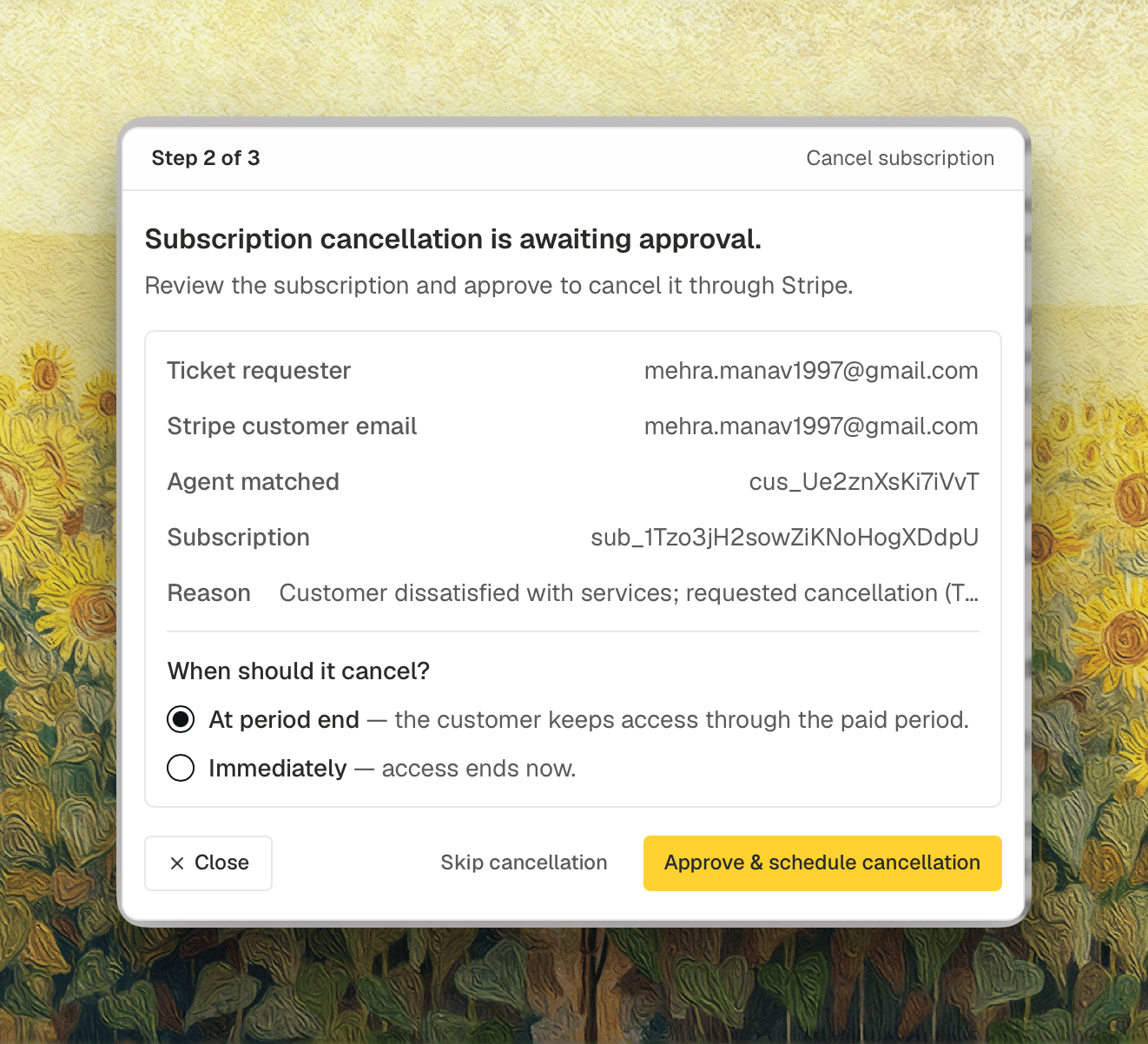
A proposed cancellation opens from Cancel subscription in the ticket header. The panel names the ticket requester, the email on the Stripe customer, the subscription, and the reason the agent gave, then asks when it should stop:- At period end (default): the customer keeps access through the period they’ve paid for, and it doesn’t renew.
- Immediately: access ends when you approve.
When a Ticket Asks for Both
A ticket that wants a refund and a cancellation gets one button, Payment actions, that steps through Refund payment, then Cancel subscription, then Send public response. The header counts where you are, the Step 1 of 3 and Step 2 of 3 in the two screenshots above. The two decisions are independent. Skip the refund and still cancel, or refund and leave the subscription running. If what you did differs from what the drafted reply says, the last step warns you before the message goes out, so you can fix the wording. That covers a refund for a different amount than the one drafted, and a cancellation timed differently than the reply describes.Promo Codes
Coming soon: handing a customer a discount from the ticket. The agent will mint a single-use promotion code scoped to that one customer, from a coupon you’ve allowlisted, and apply or remove a discount on a subscription.Promo codes aren’t available yet. Grant Coupons: read and Promotion codes: write on the restricted key now and the agent picks them up when they ship.