> ## Documentation Index
> Fetch the complete documentation index at: https://docs.decimal.app/llms.txt
> Use this file to discover all available pages before exploring further.
# Single Sign-On
> Require your team to sign in to Decimal through your identity provider, and keep members in sync with it.
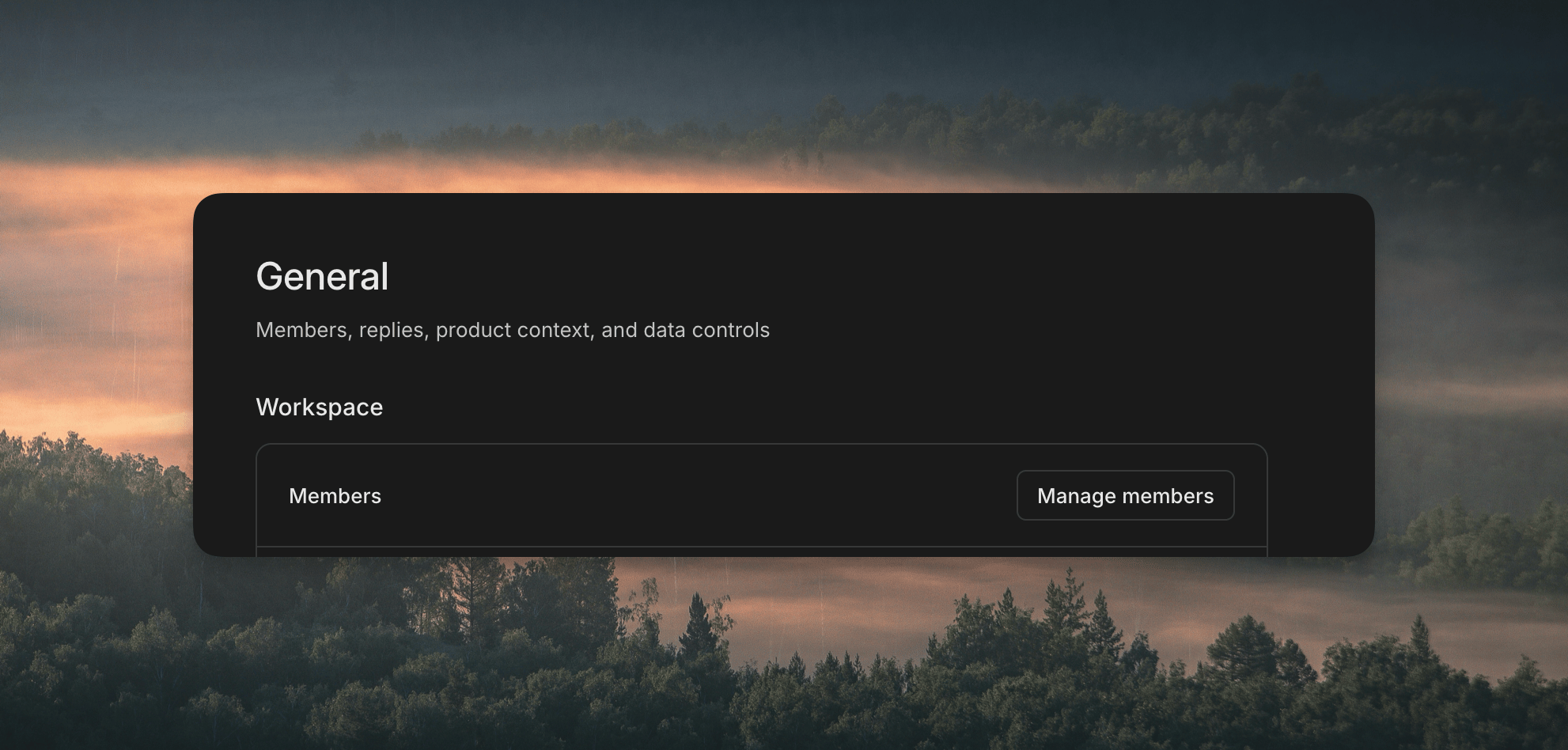
Open [**Settings → General**](https://app.getdecimal.ai/settings/general) and click **Manage members**.
 ## Set Up SSO
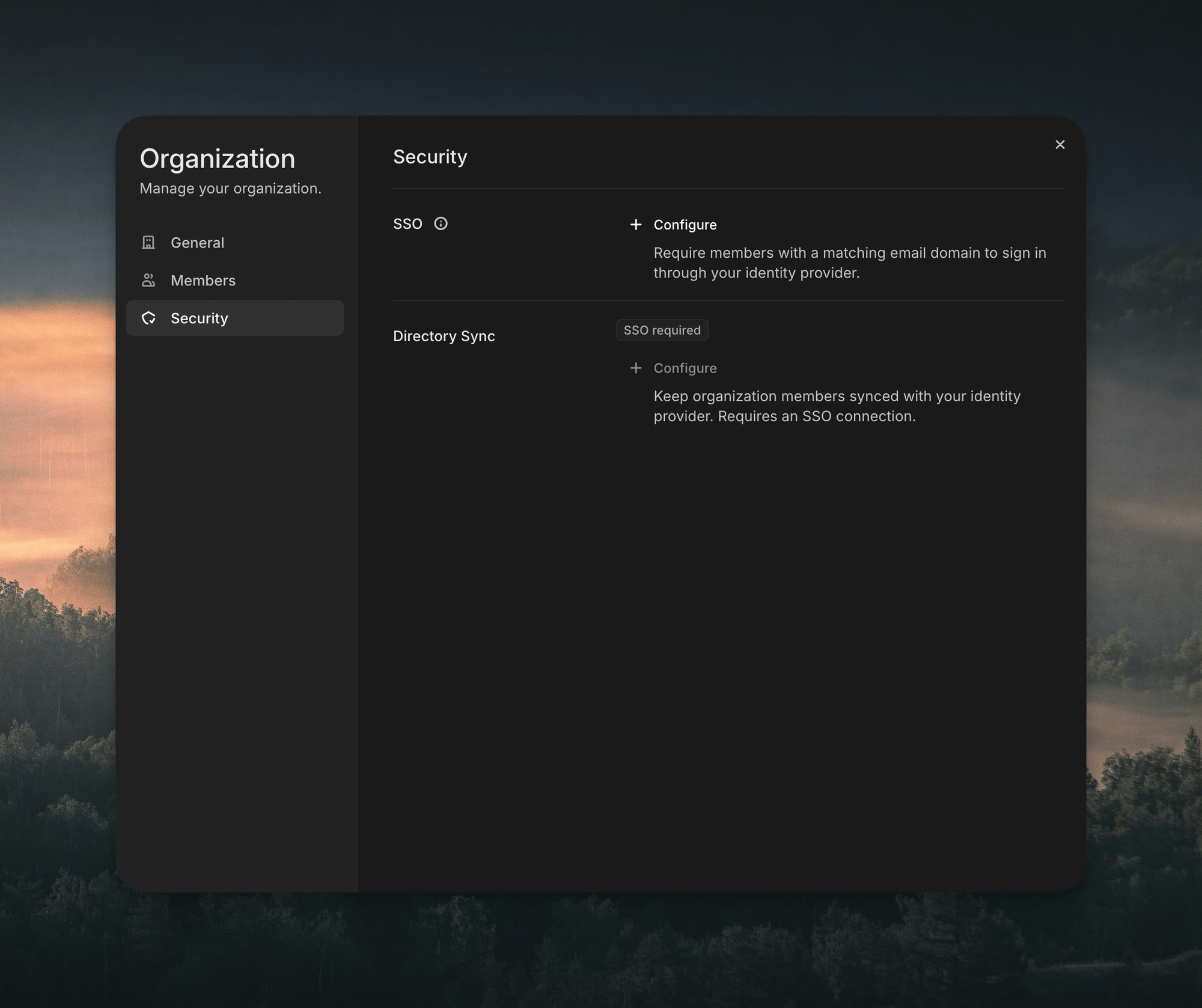
In the window that opens, pick **Security** in the sidebar, then click **Configure** under **SSO** and follow the steps for your identity provider.
## Set Up SSO
In the window that opens, pick **Security** in the sidebar, then click **Configure** under **SSO** and follow the steps for your identity provider.
 Once it's on, anyone whose email matches your domain signs in through your identity provider.
You'll need admin access to your identity provider, and to your domain's DNS to add a `TXT` record that proves you own it.
## Supported Providers
* Okta Workforce
* Microsoft Entra ID
* Google Workspace
* Any other SAML provider
* Any OIDC provider
Clerk keeps the [up-to-date list](https://clerk.com/docs/guides/configure/auth-strategies/enterprise-connections/overview).
## Sync Members From Your Directory
**Directory Sync** keeps your Decimal members in sync with your identity provider. It works with any of the providers above that support SCIM 2.0. You can turn it on once SSO is set up.
This documentation is built and hosted on [Mintlify](https://mintlify.com), a developer documentation platform.
Once it's on, anyone whose email matches your domain signs in through your identity provider.
You'll need admin access to your identity provider, and to your domain's DNS to add a `TXT` record that proves you own it.
## Supported Providers
* Okta Workforce
* Microsoft Entra ID
* Google Workspace
* Any other SAML provider
* Any OIDC provider
Clerk keeps the [up-to-date list](https://clerk.com/docs/guides/configure/auth-strategies/enterprise-connections/overview).
## Sync Members From Your Directory
**Directory Sync** keeps your Decimal members in sync with your identity provider. It works with any of the providers above that support SCIM 2.0. You can turn it on once SSO is set up.
This documentation is built and hosted on [Mintlify](https://mintlify.com), a developer documentation platform.